

Social Media Toolkit
Are you speaking? Presenting a poster? Attending the Residency Showcase? Make sure your accomplishments and opportunities are recognized by your fellow pharmacy professionals via your social platforms.
Find suggested social media captions and graphics here – feel free to modify or personalize these examples or create your own, just don’t forget to tag ASHP in your posts and use our official Midyear hashtag (#ASHP26)!
ASHP Social Media Channels:
General Attendees |
Poster Presenters |
Session Presenters
Residency Showcase Attendees
| Speakers | Exhibitors
Live Course Presenters
Social Media Captions and Graphics
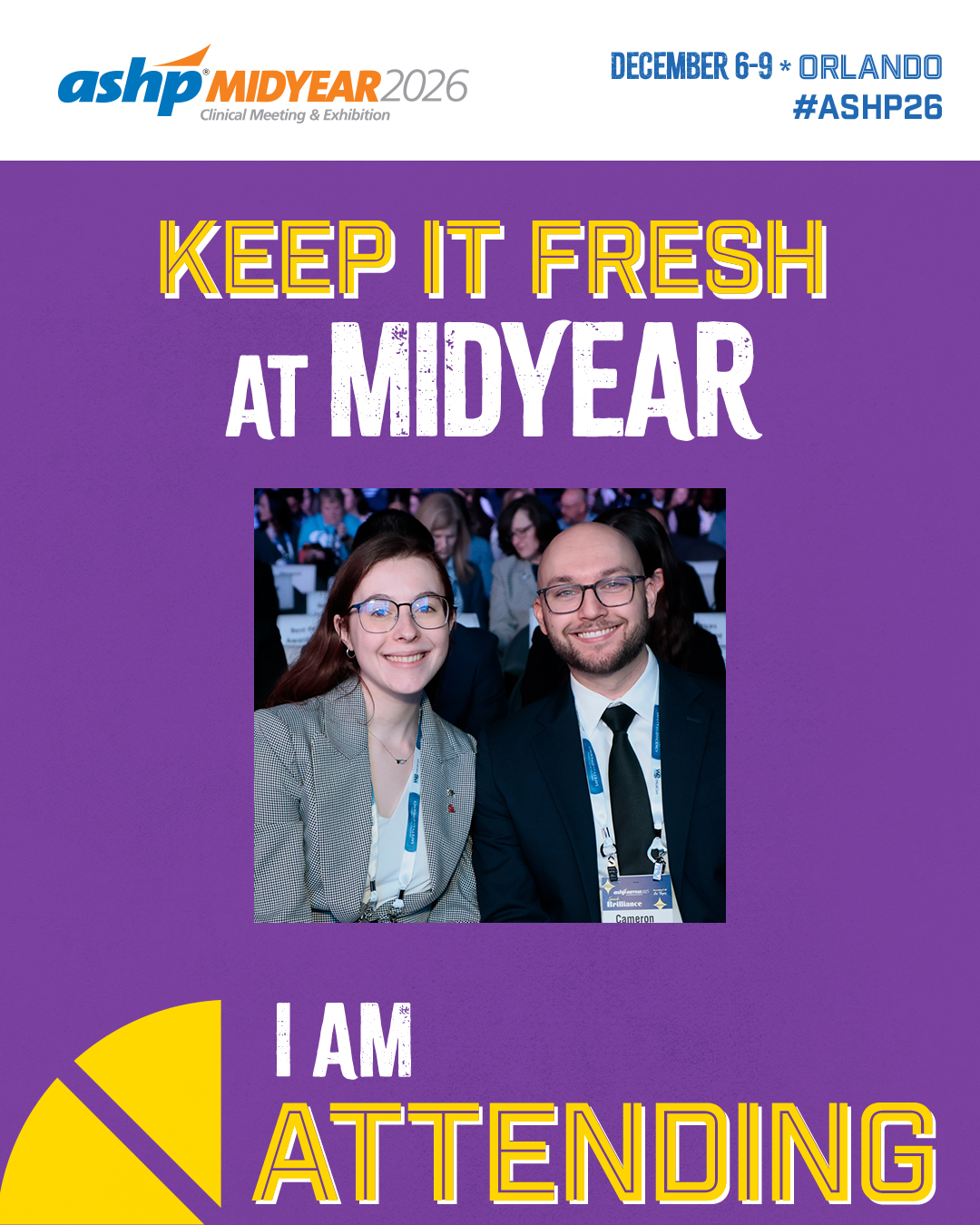
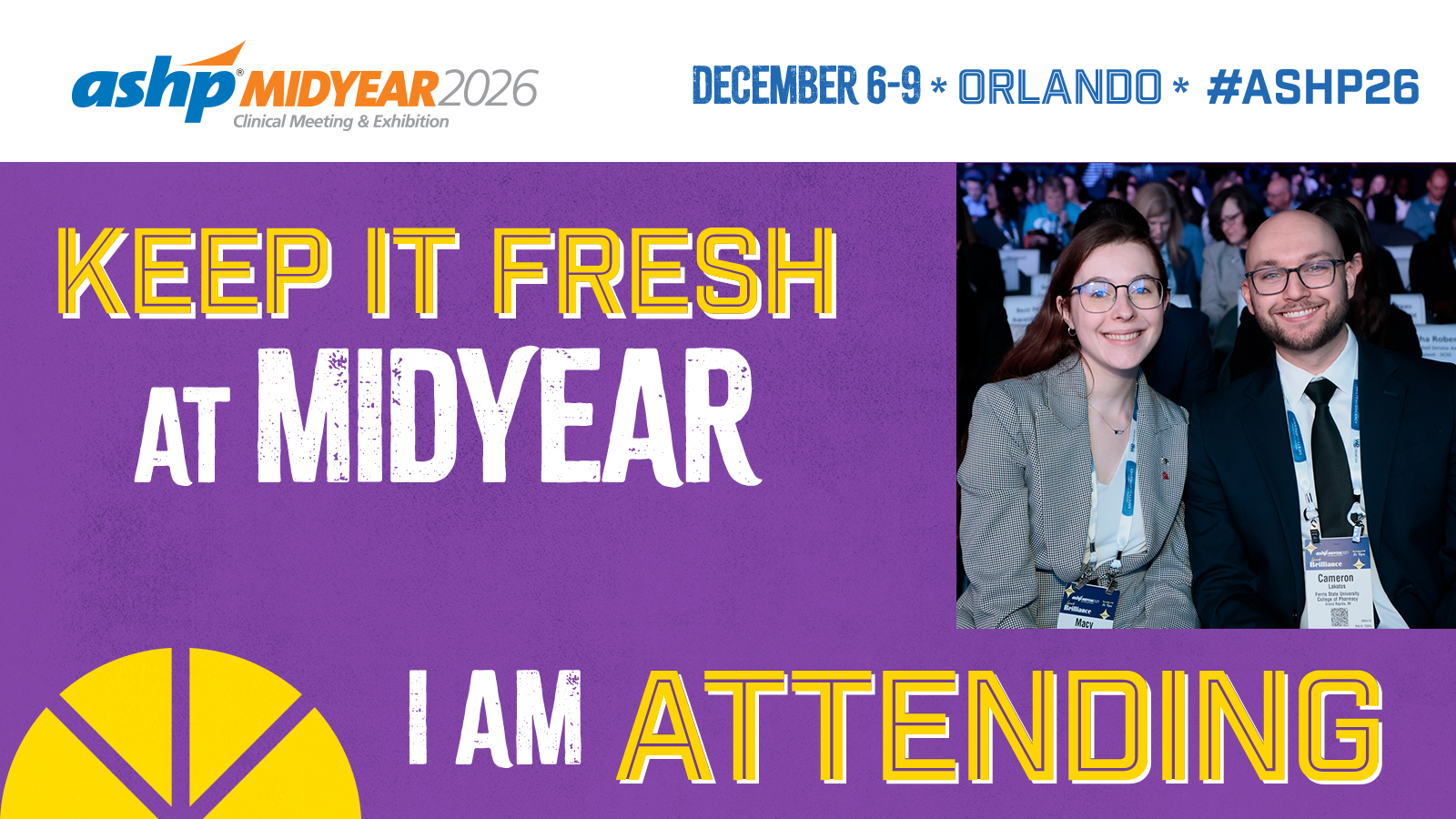
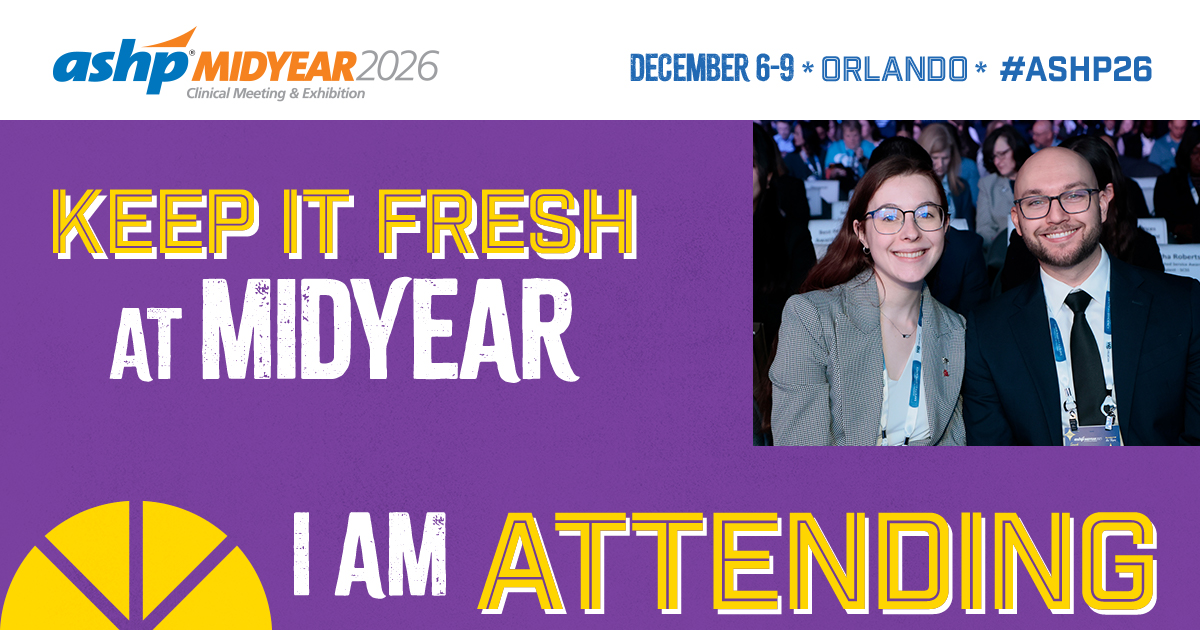
For General Attendees
Caption to share on social media:
I’m excited to attend @ASHPOfficial’s Midyear Clinical Meeting, happening in Orlando December 6-9. Join me there! https://midyear.ashp.org #ASHP26
Download, save and share images on social media:
Facebook image | Instagram image | X image
Customizable CANVA Templates (view Instructions):
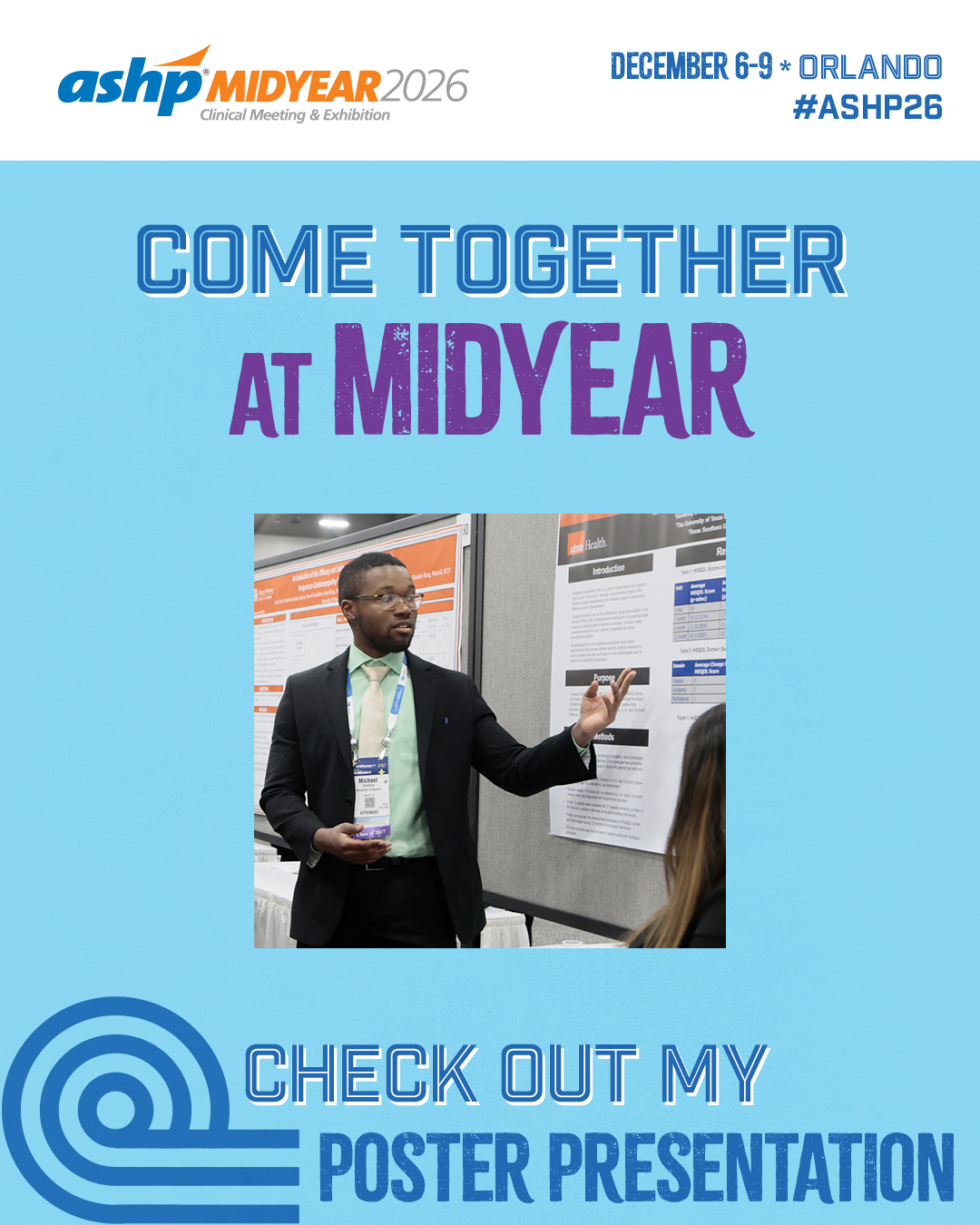
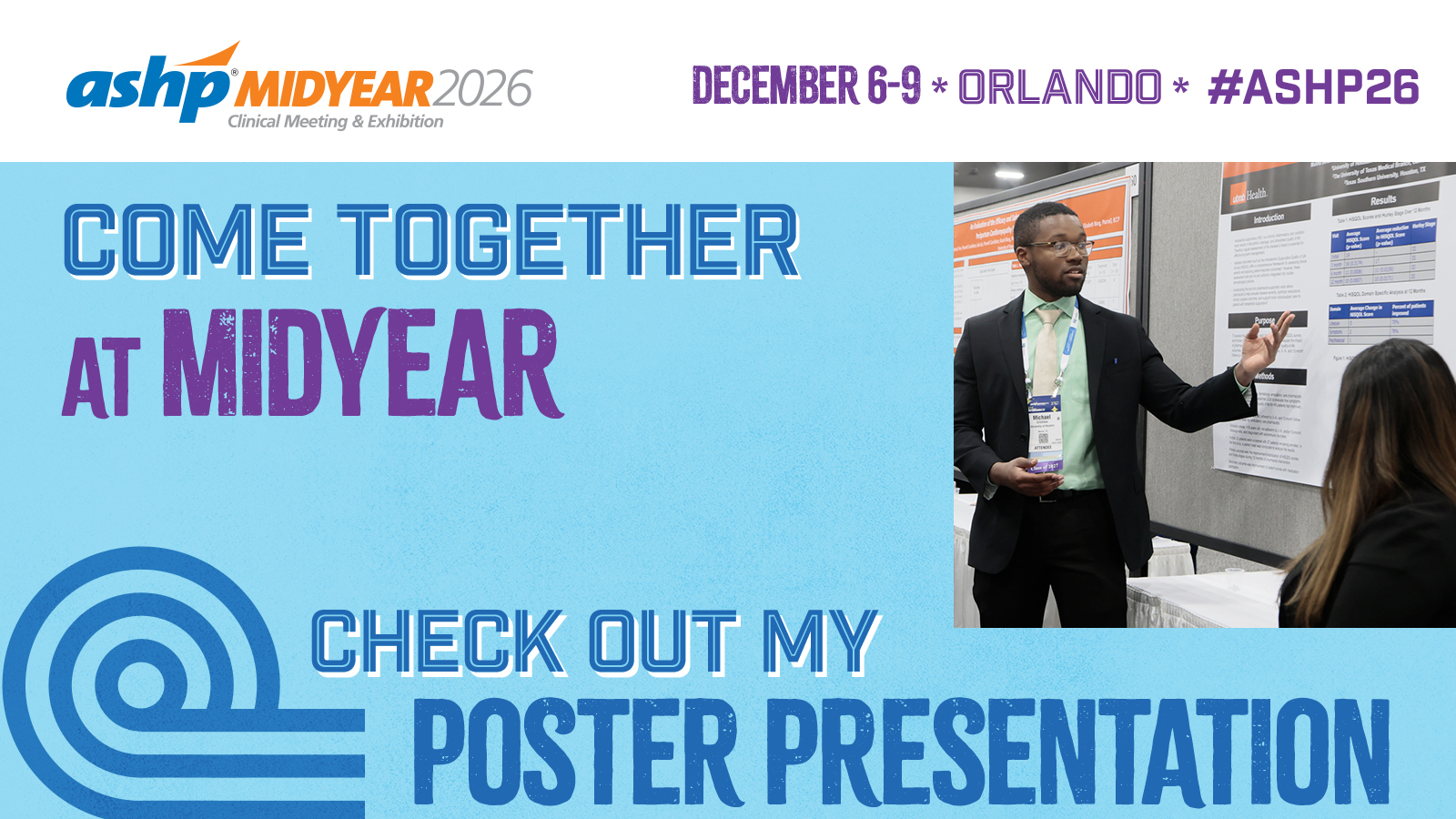
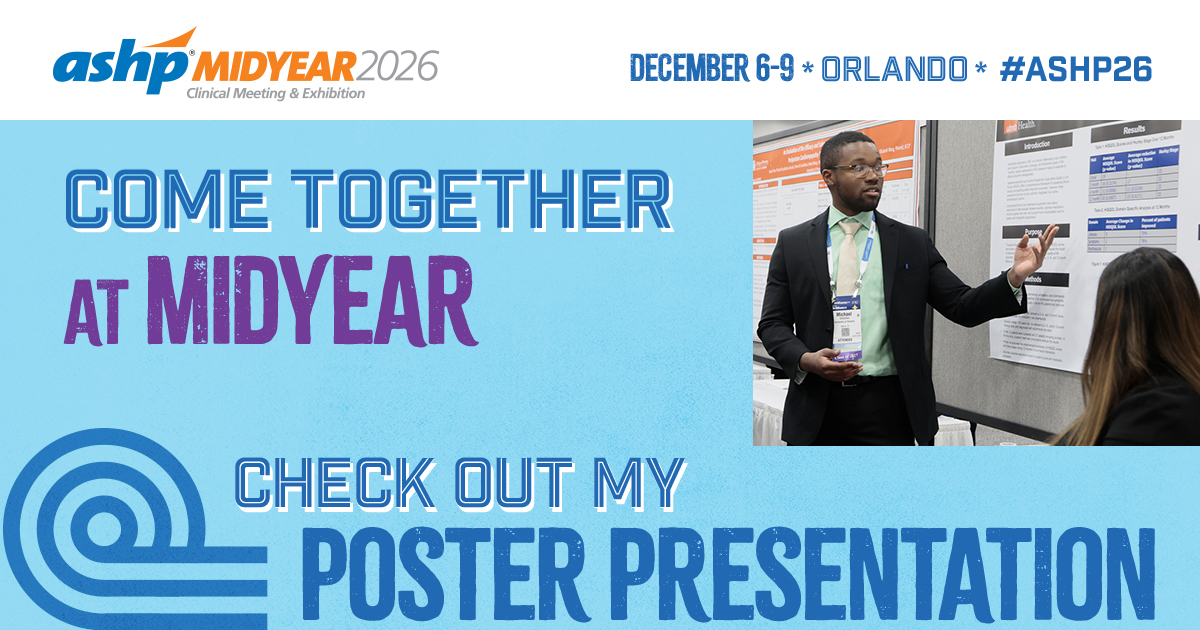
For Poster Presenters
Caption to share on social media:
Are you attending @ASHPOfficial’s Midyear Clinical Meeting? Join me in Orlando December 6-9 to catch my poster presentation on [insert poster/project title]! https://midyear.ashp.org #ASHP26
Download, save and share images on social media:
Facebook image | Instagram image | X image
Customizable CANVA Templates (view Instructions):
For Session Presenters
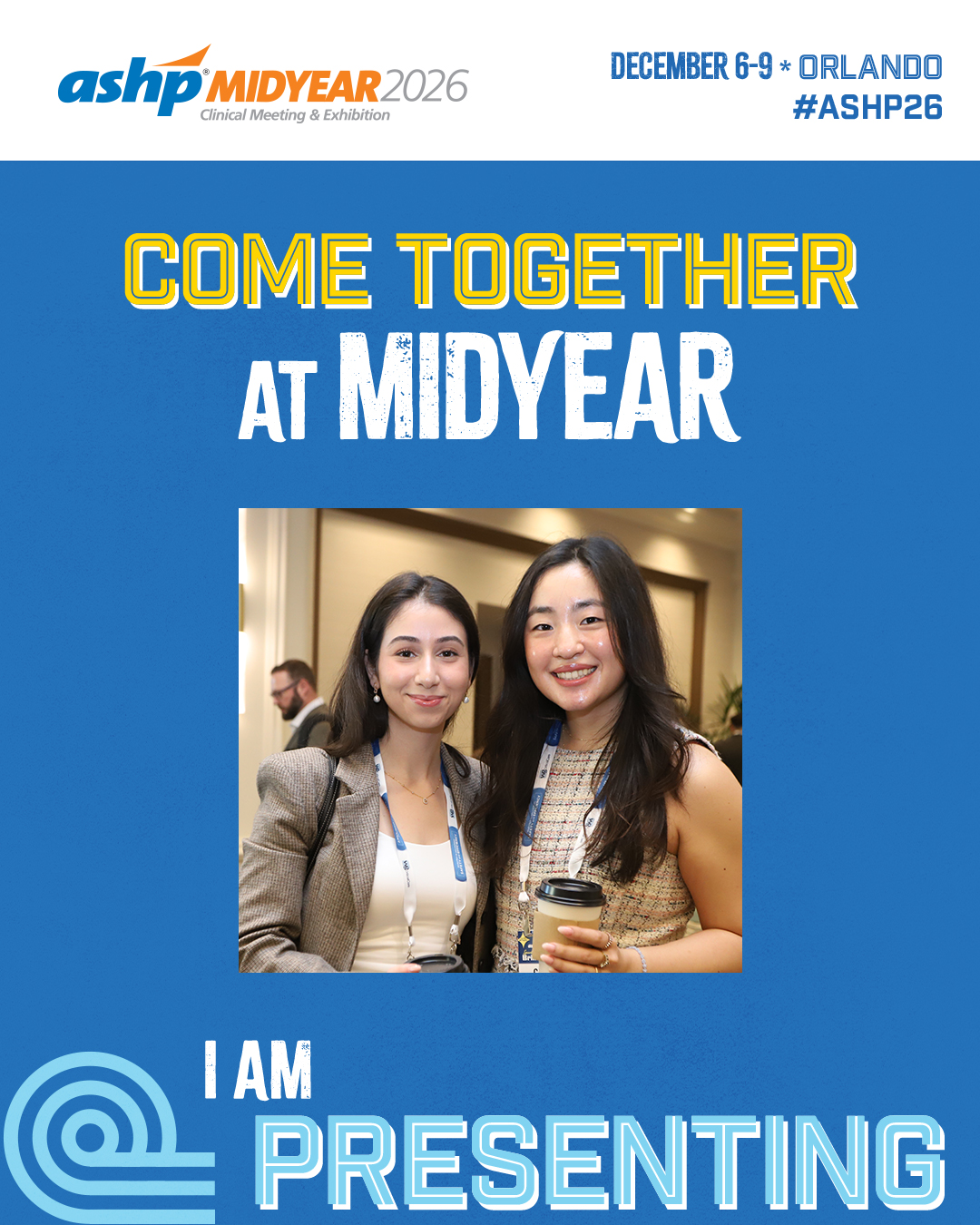
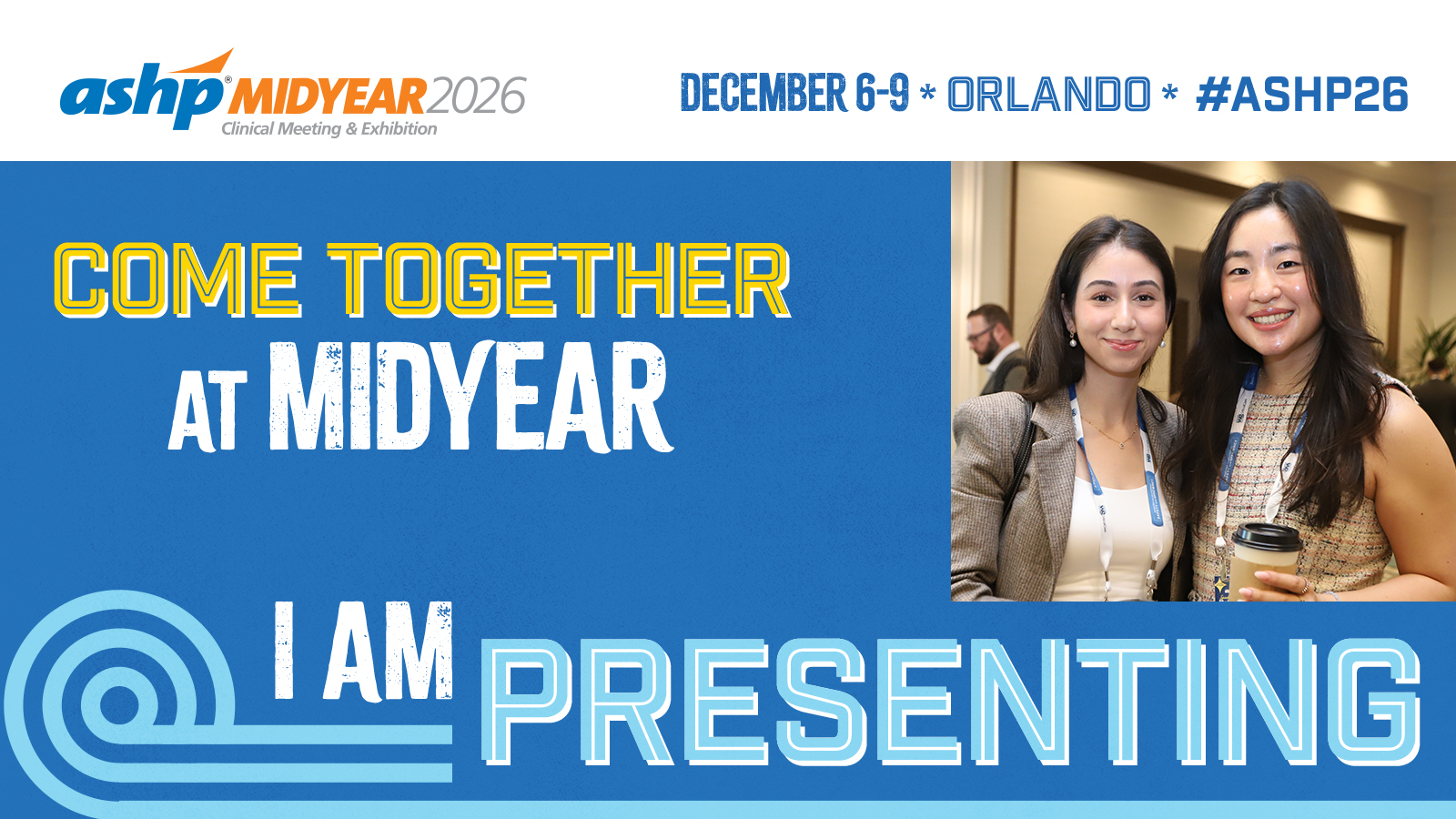
Caption to share on social media:
This December 6-9, I’ll be at @ASHPOfficial’s Midyear Clinical Meeting to present my session on [insert session title/description]. Join me there! https://midyear.ashp.org #ASHP26
Download, save and share images on social media:
Facebook image | Instagram image | X image
Customizable CANVA Templates (view Instructions):
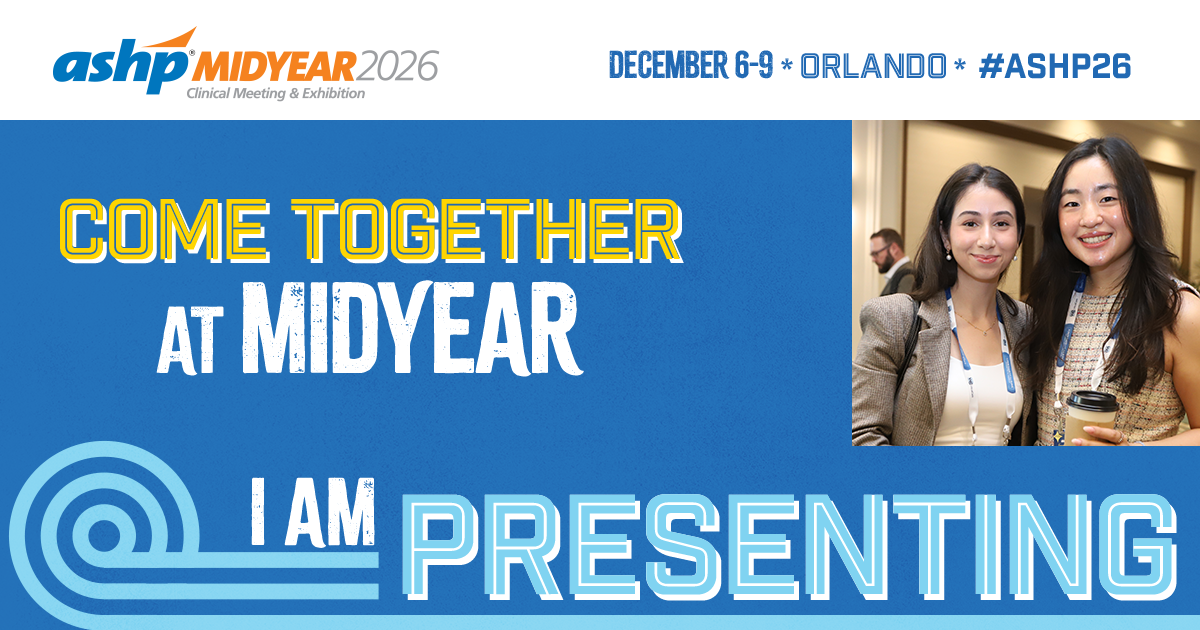
For Residency Showcase Attendees
Caption to share on social media:
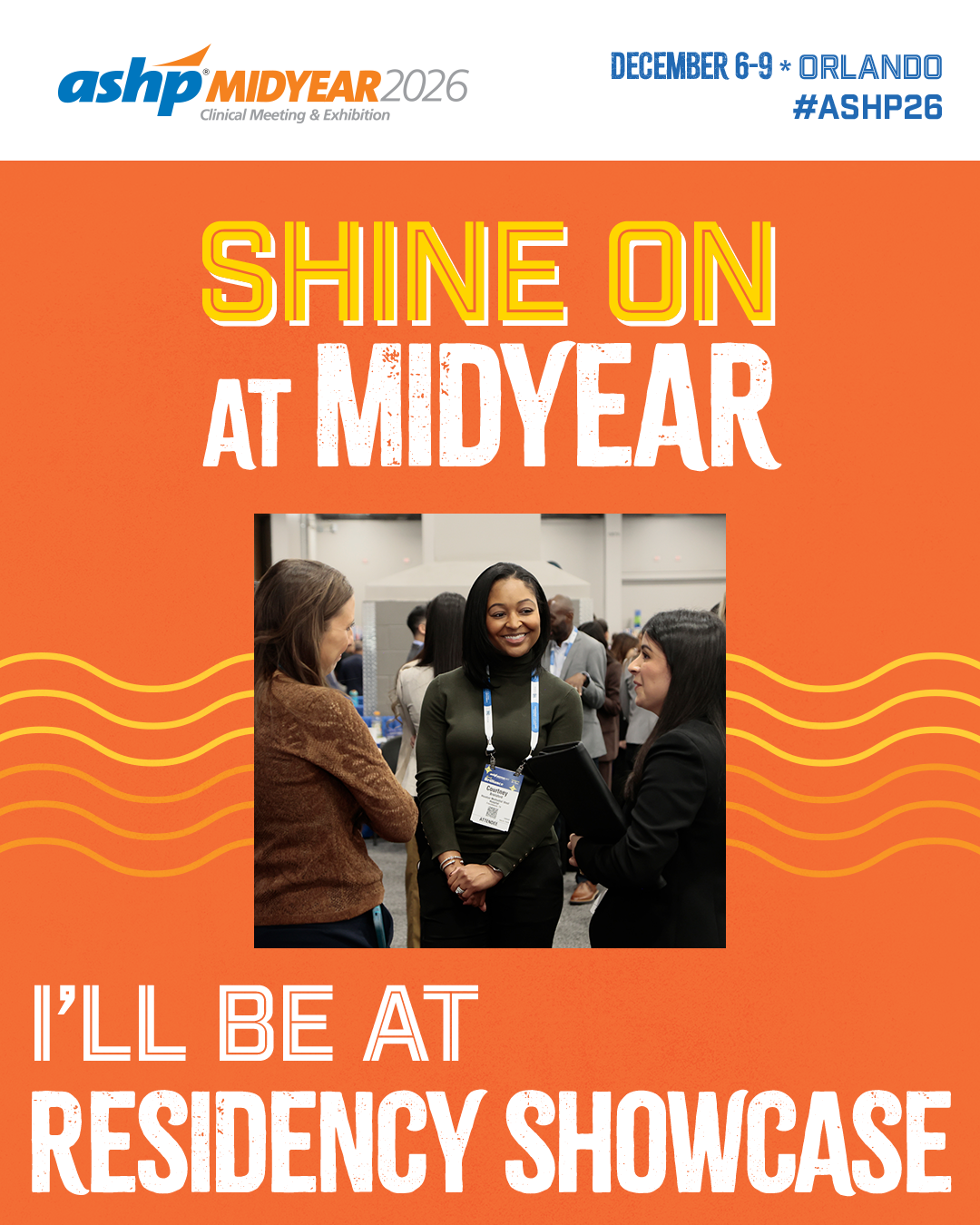
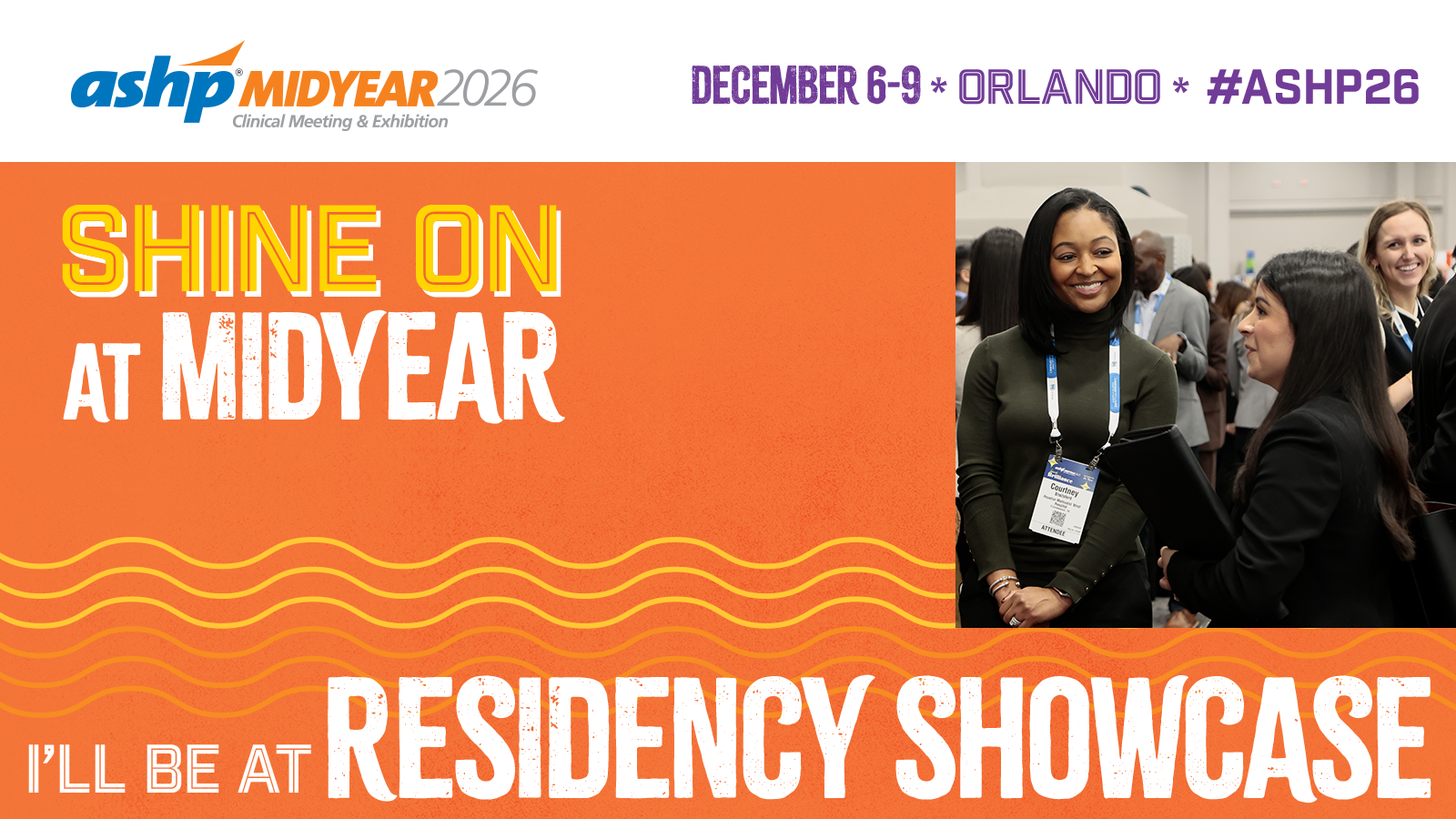
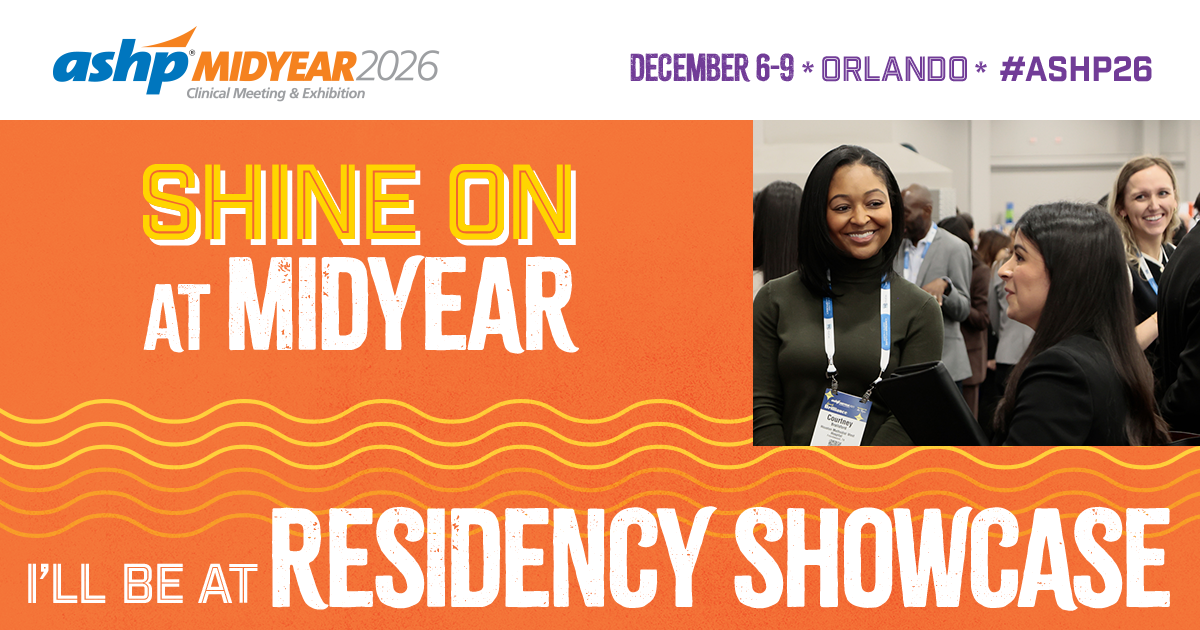
Attending @ASHPOfficial’s Midyear Clinical Meeting? I’ll be conducting interviews at the Residency Showcase on [insert day/time]. Looking forward to meeting you! https://midyear.ashp.org #ASHP26
Download, save and share images on social media:
Facebook image | Instagram image | X image
Customizable CANVA Templates (view Instructions):
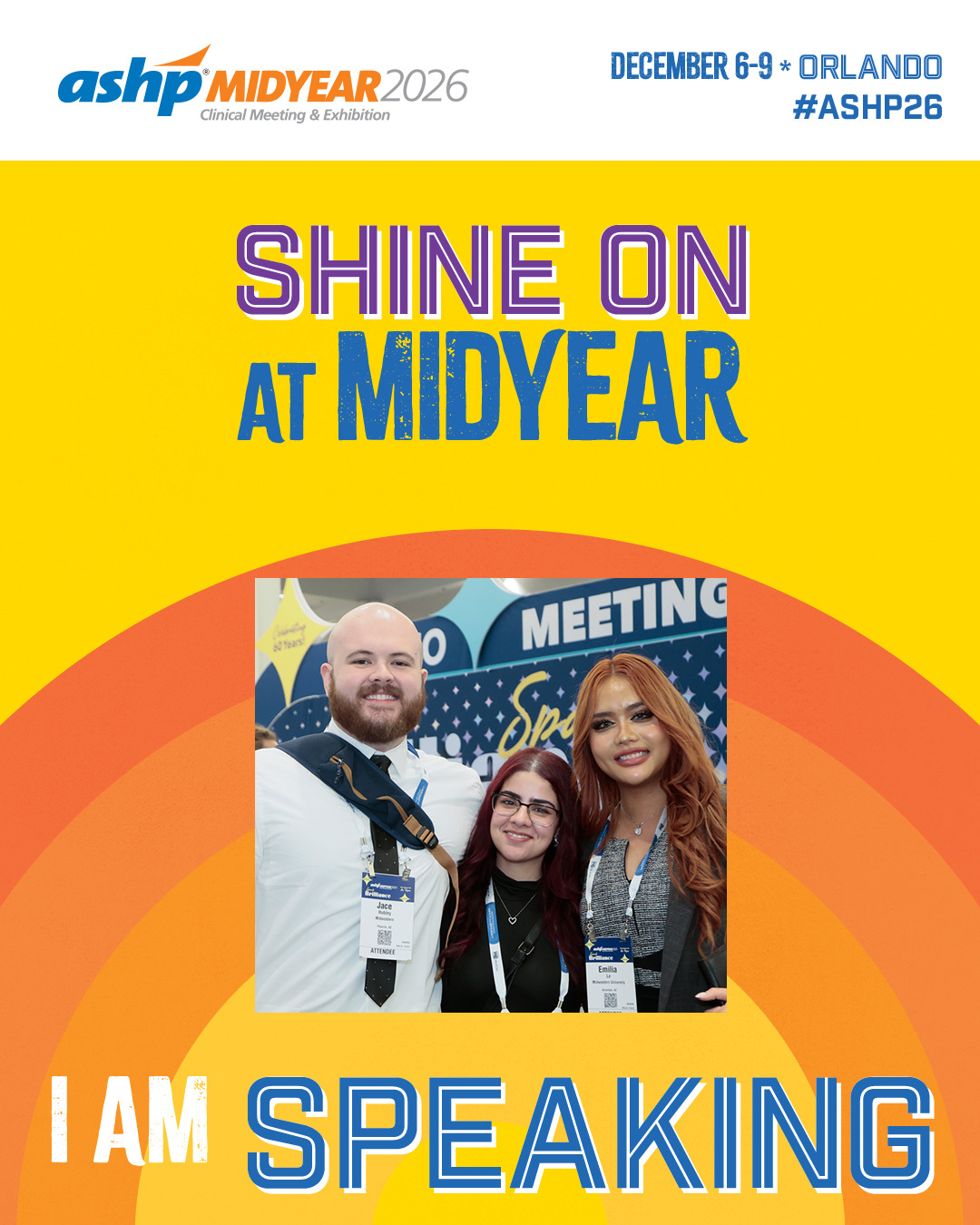
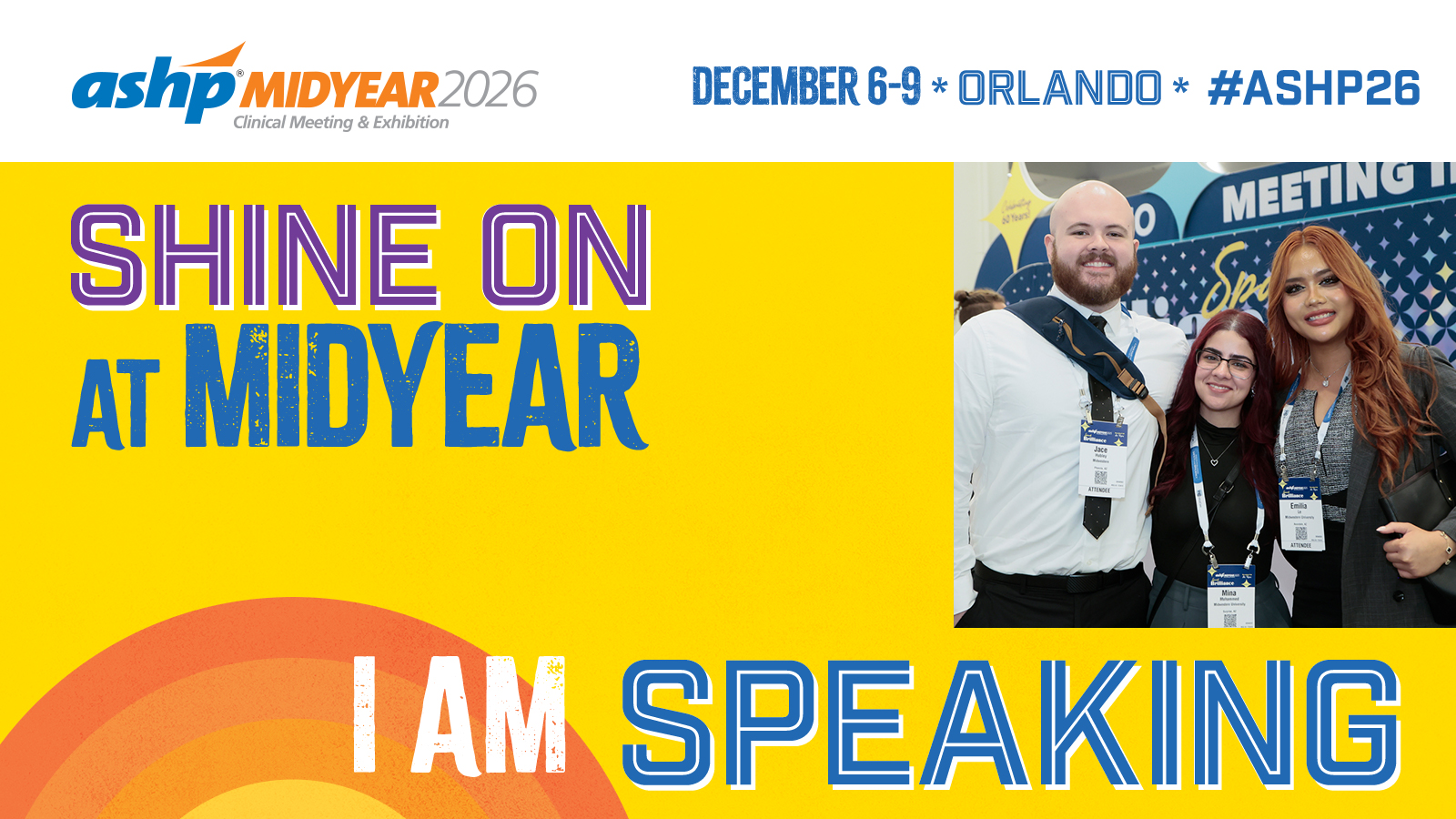
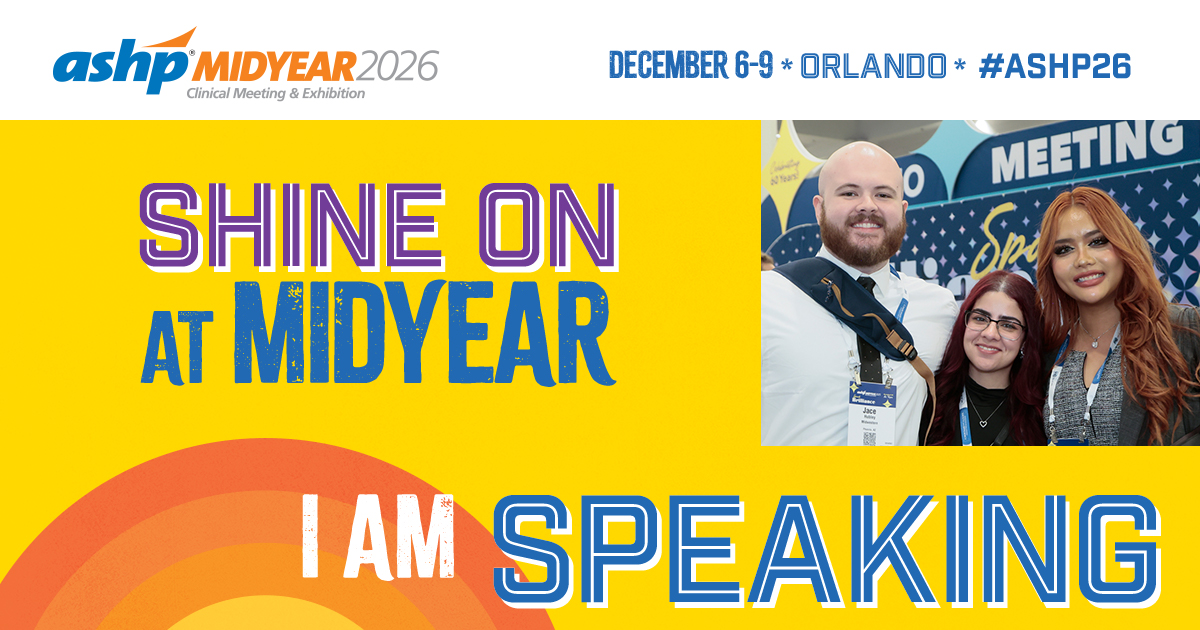
For Speakers
Caption to share on social media:
Looking forward to presenting my session, [insert session title], at @ASHPOfficial’s Midyear Clinical Meeting in Orlando this December. Will you be there? https://midyear.ashp.org #ASHP26
Download, save and share images on social media:
Facebook image | Instagram image | X image
Customizable CANVA Templates (view Instructions):
For Exhibitors
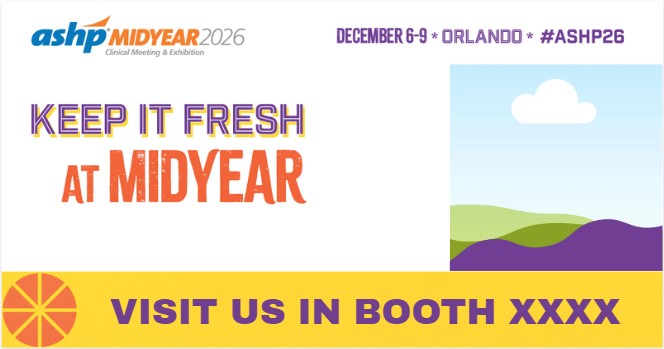
Caption to share on social media:
Our team is looking forward to joining @ASHPOfficial at #ASHP26 in Orlando! Find us in Booth [insert booth number]. https://midyear.ashp.org
Customizable Social Media CANVA Templates (view Instructions):
For Live Course Presenters
Caption to share on social media:
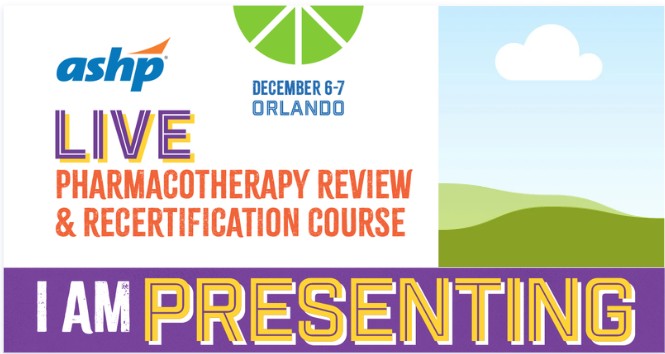
I’m excited to be part of the 2026 Pharmacotherapy Review and Recertification Course faculty! The live course offers in-depth exam preparation and an opportunity for current specialists to earn board recertification credit. If you learn best in a live setting, join me in December! Advance registration ends on Nov. 6. https://www.ashp.org/boardreview #ASHP26
Customizable Social Media CANVA Templates (view Instructions):
Customizable CANVA Templates Instructions
- Click on the Canva template link you want to use.
- Click on "View Template" purple button.
- Login or create a free Canva account.
- Select the frame you want to edit.
- Select UPLOADS in the left toolbar and click the UPLOAD FILES button to add your photo to the image library.
- Drag and drop your photo into the frame.
- To reposition, double-click your photo and adjust.
- To download your image, click SHARE and select DOWNLOAD.
ADVERTISEMENT